Expose the surface first
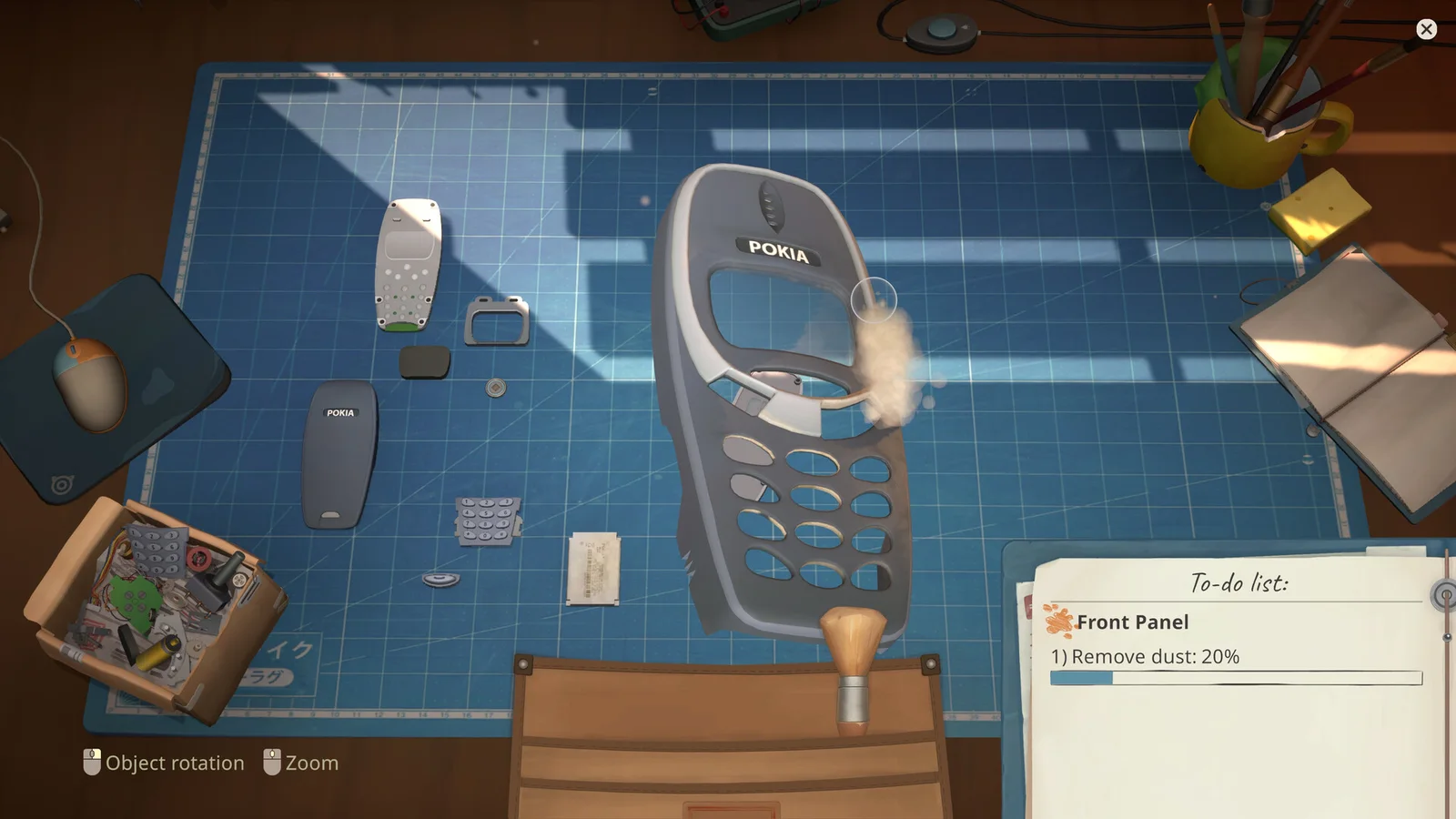
A cleaning task may involve an outer shell, a removable part, or an internal surface. Rotate the device and follow the list rather than applying the cleaning tool to whatever is easiest to reach.
If progress stops, inspect edges and the reverse side before dismantling more of the device.
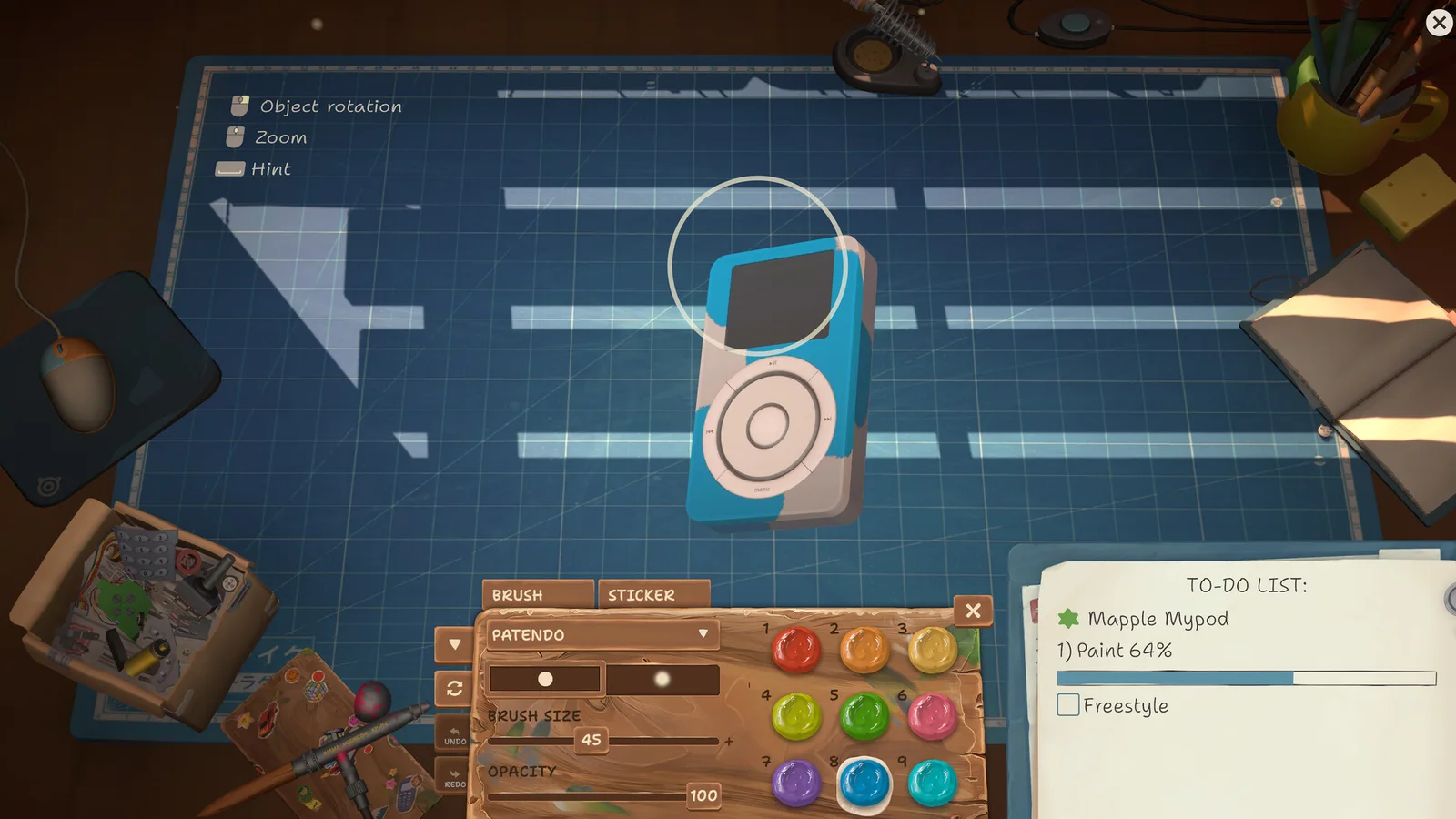
Work in a visible pattern
Move across the surface in a consistent direction so missed areas stand out. Recheck after changing the camera angle.
Do not mix cleaning with part replacement unless the job requires both. Finishing one task category makes a stalled checklist easier to diagnose.
- Confirm the named surface.
- Rotate to reveal edges and back panels.
- Clean in one direction.
- Recheck the task line.
- Close the device only after progress is complete.
Inspect before closing
A closed case hides the evidence you need. Review the checklist and inspect the cleaned component while it is still accessible.
If the rating or task is incomplete, reopen only the layer that covers the named area instead of restarting the repair.
Sources
Official ReStory Steam store page →