Separate device repair from software work
A device can still have unresolved hardware, cleaning, or assembly requirements when the software screen is available. Check the main to-do list before assuming the terminal is the blocker.
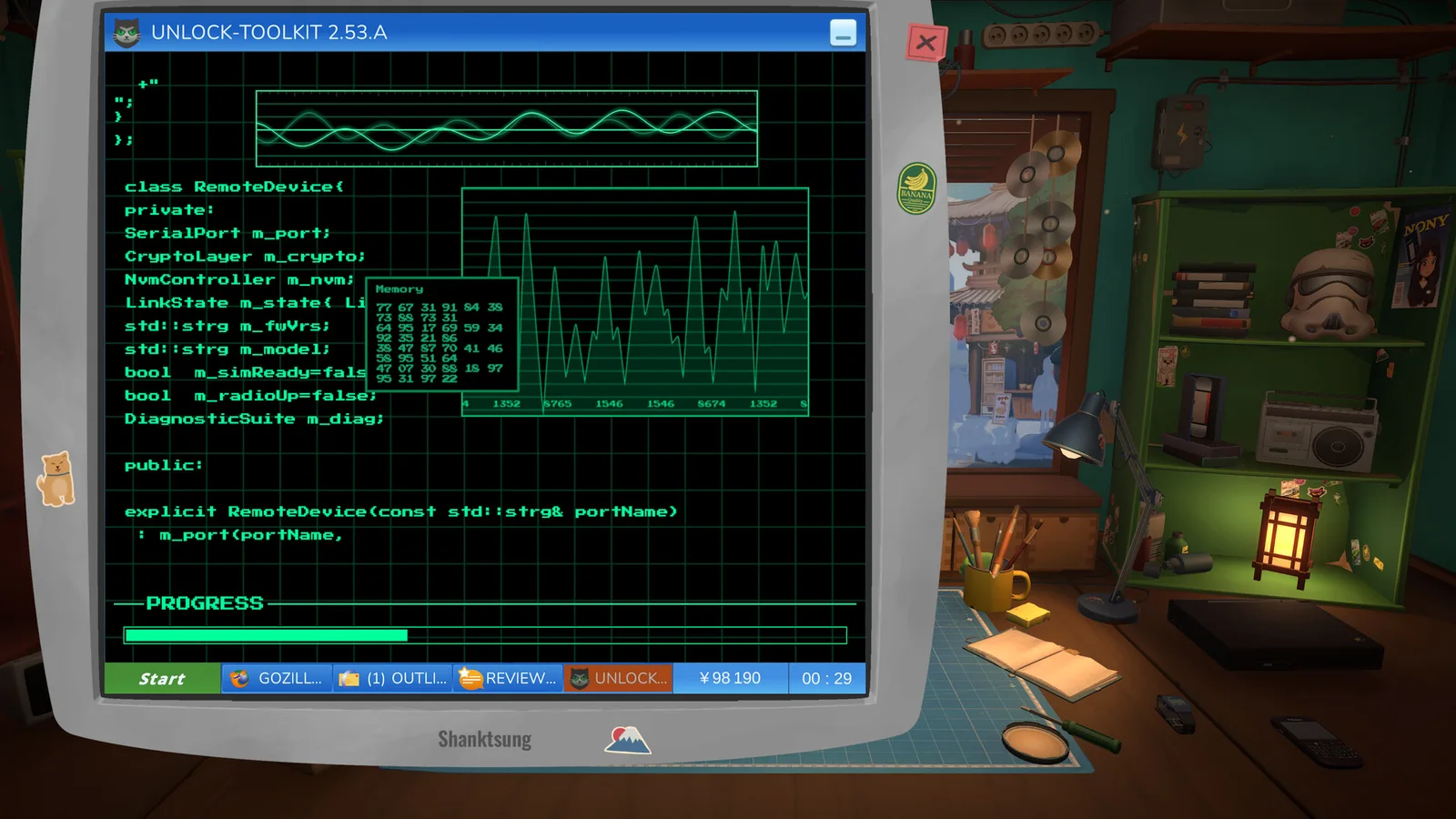
The software interface should be read as part of the current job: note the device, visible message, and progress state.
Check the current patch
ReStory received several official post-launch patches and a first content update announcement. A workaround written for launch week may no longer match the current build.
Open the official announcement list, compare your version, and look for a named fix before reinstalling or replacing save files.
- Record game version.
- Capture the exact error text.
- Confirm the device to-do list.
- Check official patch notes.
- Retry one step from a clean state.
Report a reproducible sequence
If the task still fails, describe the shortest path from loading the job to the error. Include the device, requested work, terminal action, and whether the same terminal works for another device.
That distinction helps separate one broken job from a wider system problem.
Sources
Official ReStory Steam announcements →