Name the device and component
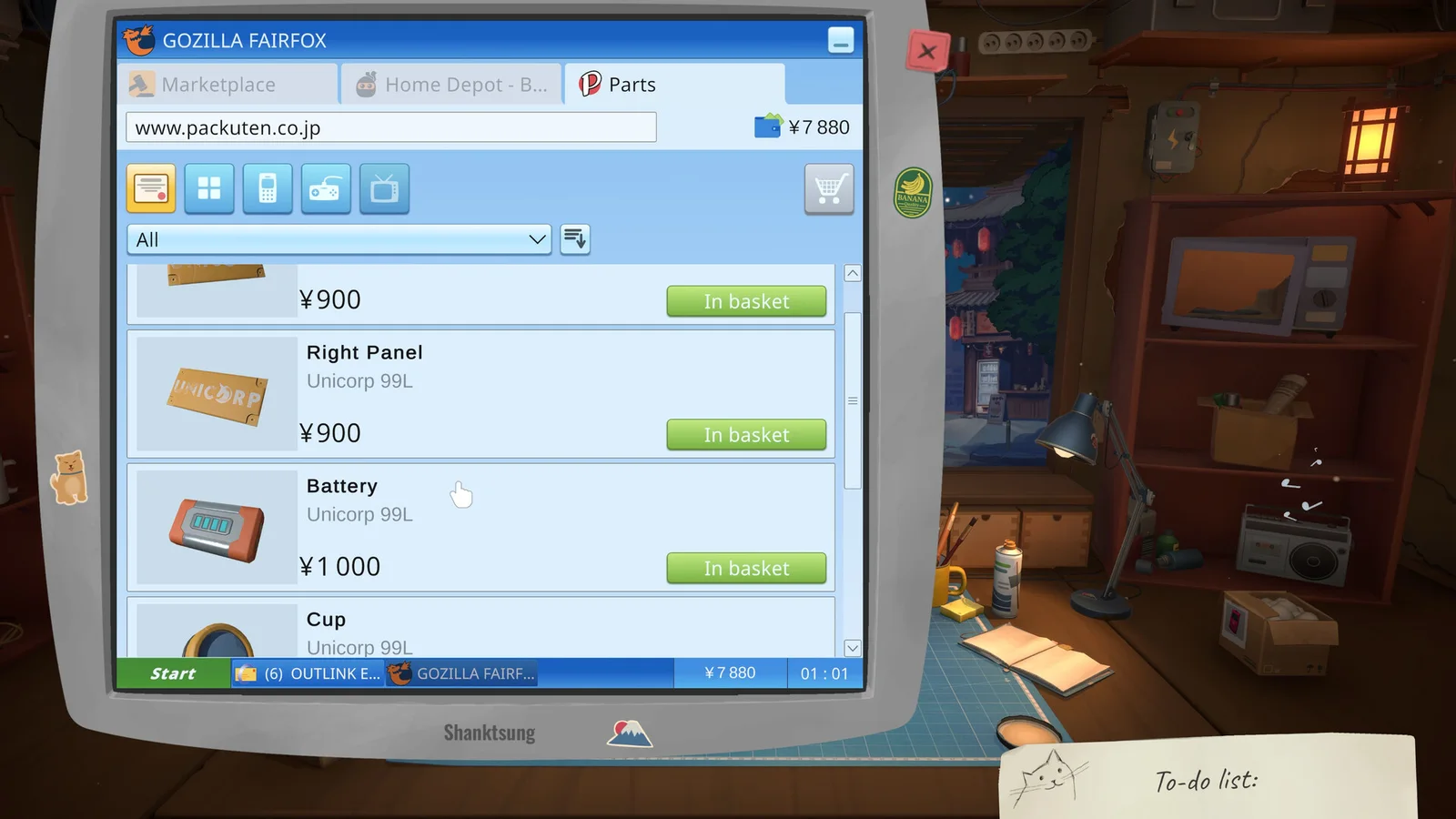
The shop interface presents parts alongside device jobs. Similar-looking pieces are not interchangeable by assumption.
Use the current job and component label as the purchasing key. If the device is not yet open far enough to confirm the part, inspect before buying.
Protect repair cash
Money supports both immediate jobs and later licenses. Overstocking parts can slow progression even when every purchase seems useful.
Keep a small note of common confirmed replacements, but treat speculative stock as lower priority than a paying repair already on the bench.
- Confirm failed part.
- Check current stock.
- Buy the exact replacement.
- Install and verify.
- Record whether the old part is reusable or broken.
Verify before selling
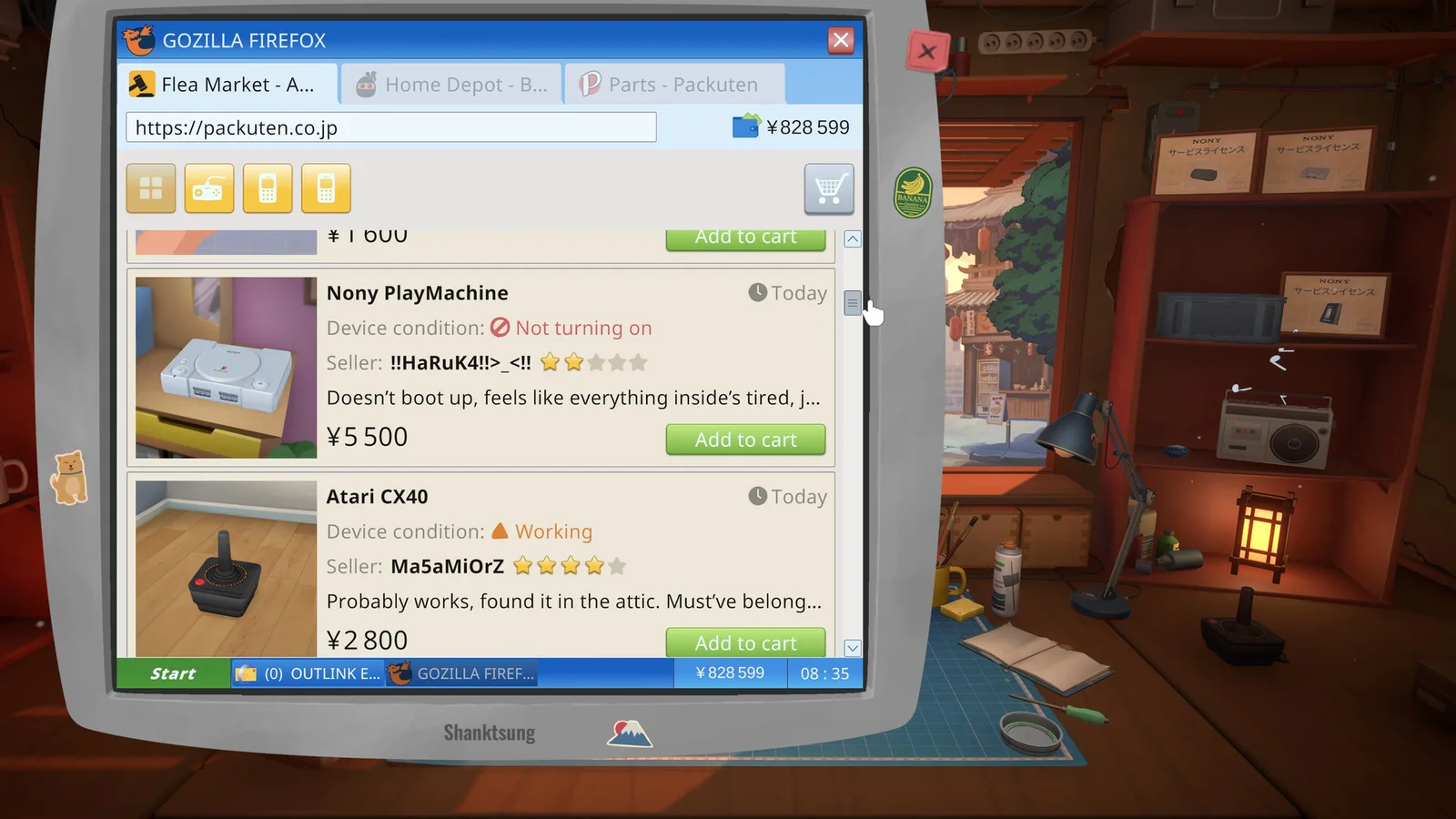
A device repaired for resale still needs every required task completed. Compare the expected sale route with the device status instead of assuming a new part guarantees profit.
Community price references are useful planning aids, but prices and balance can change. Check the current in-game listing before committing cash.
Sources
Official ReStory Steam store page →